Automating small-business admin: from hours of busywork to a few clicks
Most small businesses do not lose time to the work itself - they lose it to the admin around the work. A studio owner spends the evening answering booking DMs. A shop juggles a spreadsheet that only one person really understands. Someone gets double-booked, someone cancels last minute, and the whole thing is patched together by hand every single day.
The good news: this is exactly the kind of repetitive, rules-based work that software is great at. Using our Reformee Pilates project as a concrete example, here is how we turn hours of manual coordination into a few clicks.
Where the hours actually go
Before automation, a typical small operation loses time to a familiar set of tasks:
- Taking bookings over phone, DMs, and messaging apps - then transcribing them somewhere
- Manually tracking who is coming, who cancelled, and who never showed
- Chasing late cancellations and no-shows with no clear policy
- Rebuilding the same weekly schedule from scratch
- Answering "is there a free spot?" over and over
None of this is the actual business. It is overhead - and it scales badly the moment you get busy.
What we automated for Reformee
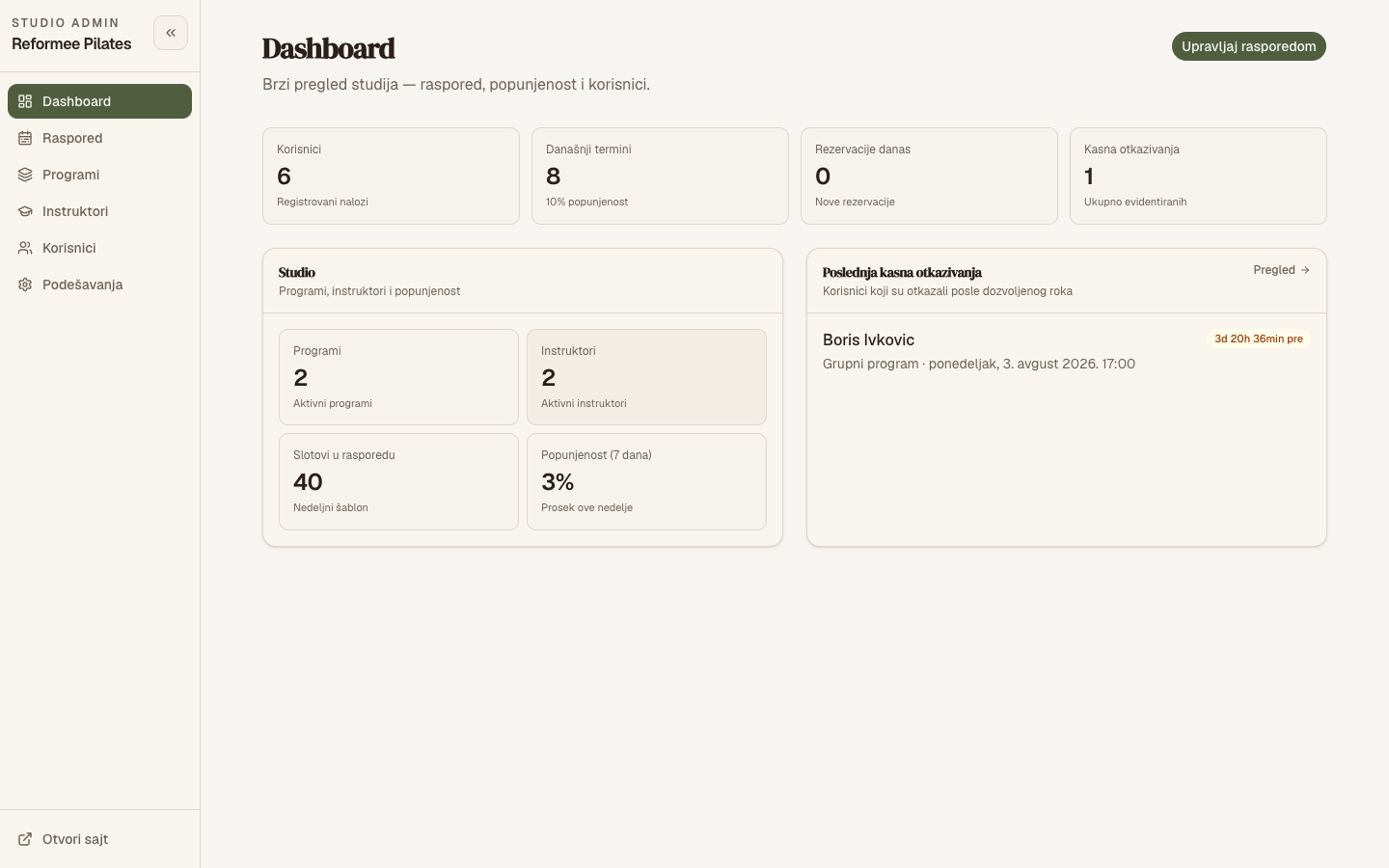
Reformee is a Reformer Pilates studio in Novi Sad. Instead of a marketing brochure, we built them a real operations and booking platform: a branded public site, member accounts with self-serve booking, and a full Studio Admin panel.
The important part is where the rules live. Capacity limits, duplicate-booking prevention, and cancellation logic are enforced on the server - not just hidden in the UI - so the system stays correct even when everyone books the popular Monday class at once. Transactional email handles welcomes, confirmations, and cancellation notices automatically, and reservations use clear statuses (reserved, attended, cancelled, late cancel, no-show) instead of vanishing without a trace.
The result: admin measured in minutes
With the platform live, the studio's daily routine changes shape:
- Members book and cancel themselves, with real-time seat availability - the DMs stop
- The weekly schedule is a reusable template, not a nightly rebuild
- Attendance and cancellations are one tap, with full history retained
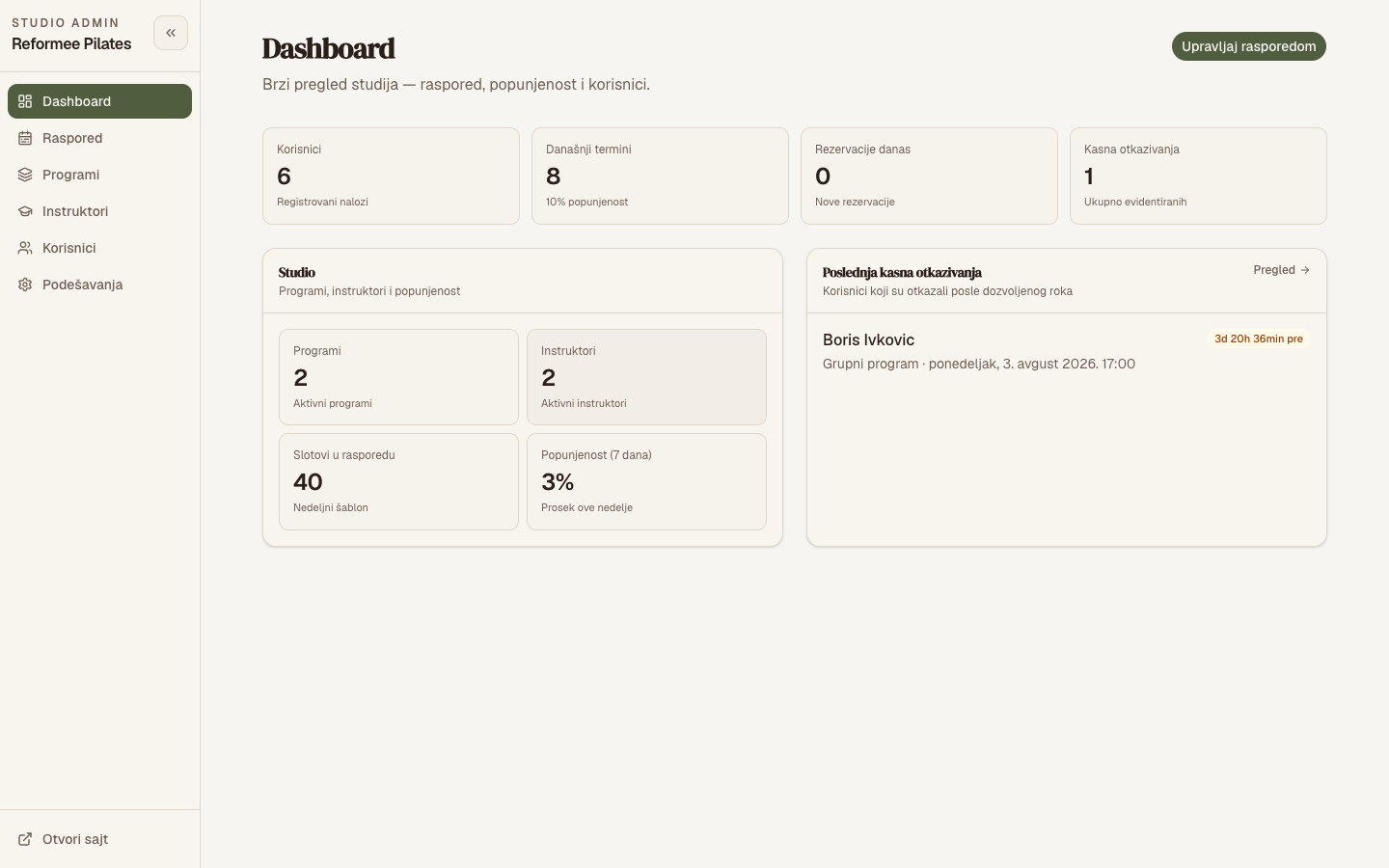
- Occupancy stats show what is actually working, so decisions stop being guesswork
The work that used to fill evenings becomes a quick glance at a dashboard.
How to think about automating your own business
You do not need to automate everything at once. We usually start where the pain is sharpest:
- Find the repetitive task that eats the most time each week.
- Write down its rules - capacity, pricing, cancellation windows, approvals.
- Let software enforce those rules so mistakes can't slip through.
- Automate the follow-ups - confirmations, reminders, notifications.
- Measure it, then move on to the next biggest time sink.
The takeaway
Small businesses rarely need more hours - they need to stop spending the ones they have on busywork. The right, focused software pays for itself in reclaimed time and fewer mistakes.
See the full Reformee Pilates case study, or tell us about the task that's eating your week and we'll suggest the smallest change with the biggest payoff.